

Creo Parametric Assembly Bill of Materials (BOM) Data Export / Import using Microsoft Excel Tables. Create, Modify, Delete Parameters, and even Rename Models/Drawings — ALL from Microsoft Excel!
Price? Less than US $8.00 / Day (Floating License)
Supports Creo 4, 5, 6, 7, 8, 9, 10, 11, 12, and 13
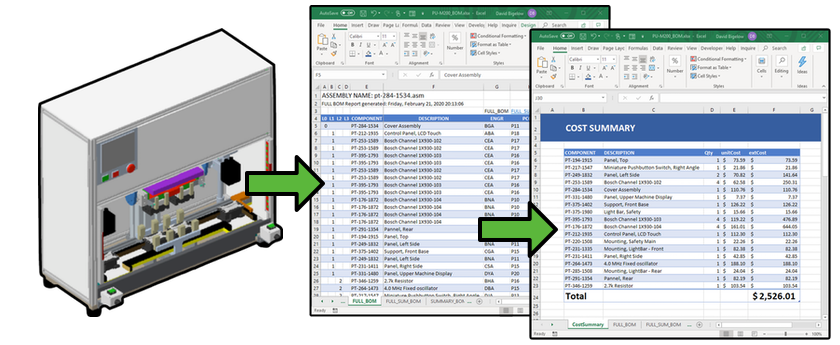
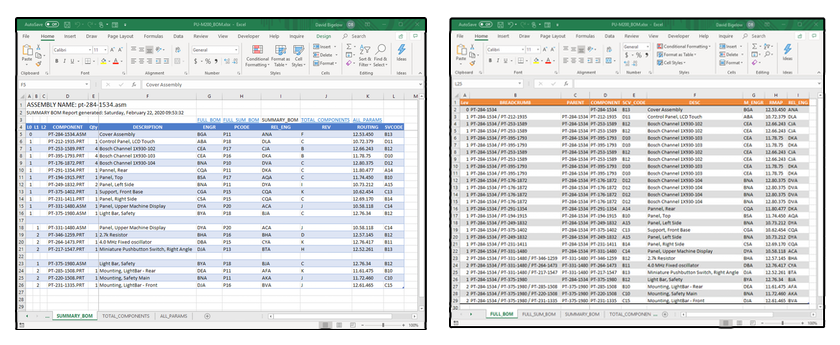
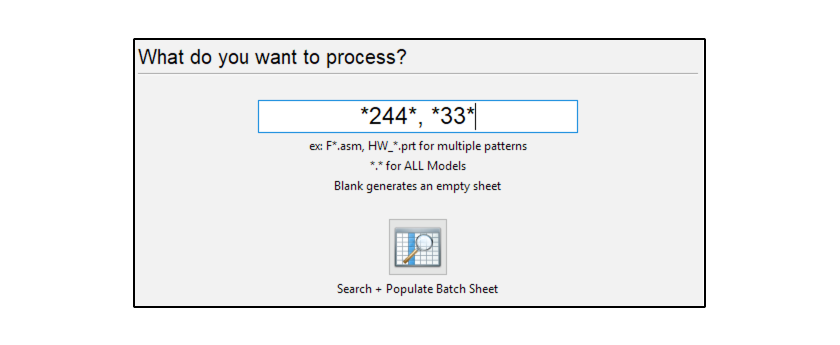
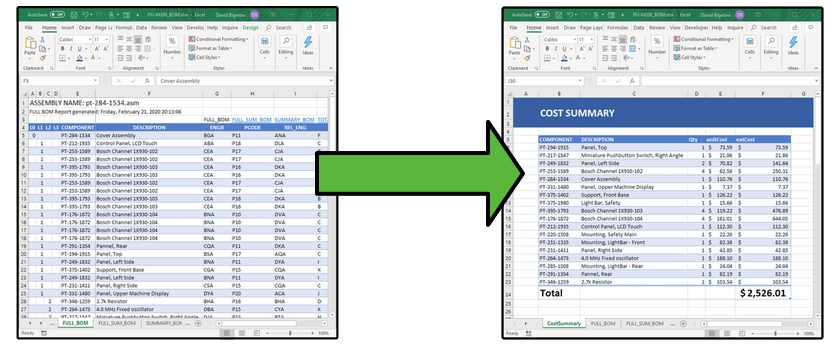
Export complete assembly BOM data to native Excel Tables with full parameter support. Handles nested assemblies and all component types.
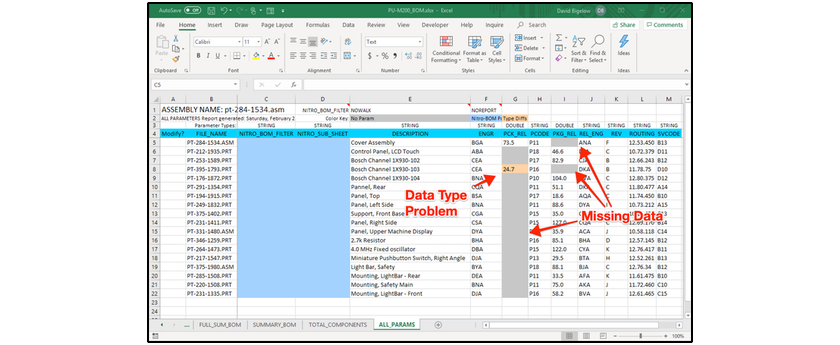
Create, modify, and delete Creo parameters directly from Excel. Changes are written back to your Creo models automatically.
Rename models and drawings from within Excel. Nitro-BOM handles all the references and dependencies for you.
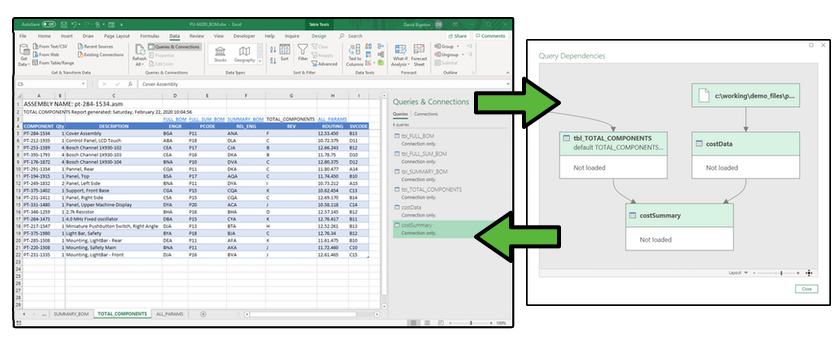
Automatically creates and maintains Excel Power Query connections for advanced data transformation, comparison, and cost analysis.
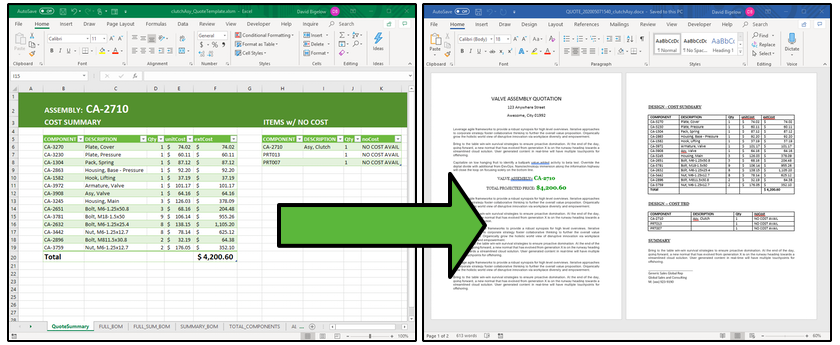
Connect BOM data to external business systems for real-time cost analysis. Power Query operations update automatically on every export.
Simple installation, no server infrastructure needed. Works directly with your existing Creo and Excel setup.
Learn a lot in just a few minutes
Automated BOM Cost Estimation with Excel Power Query
Get the Nitro-BOM installer and run the simple setup wizard. No server infrastructure required.
Launch Creo Parametric with your assembly, then open the Nitro-BOM Excel workbook.
Export your BOM data to Excel, make your changes, and write them back to Creo with a single click.