

Nitro-CELL Key Features
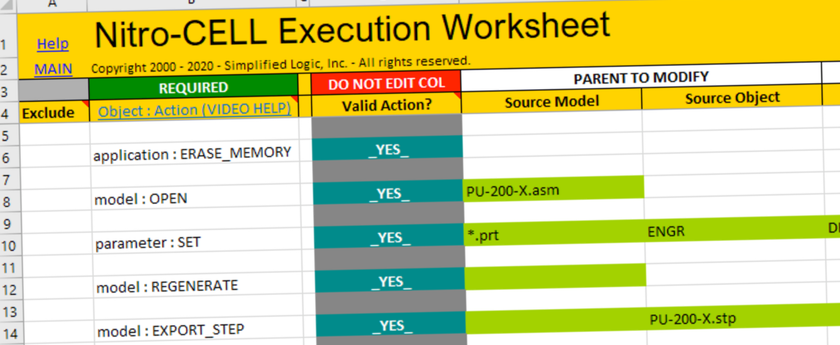
Model Creation from Excel
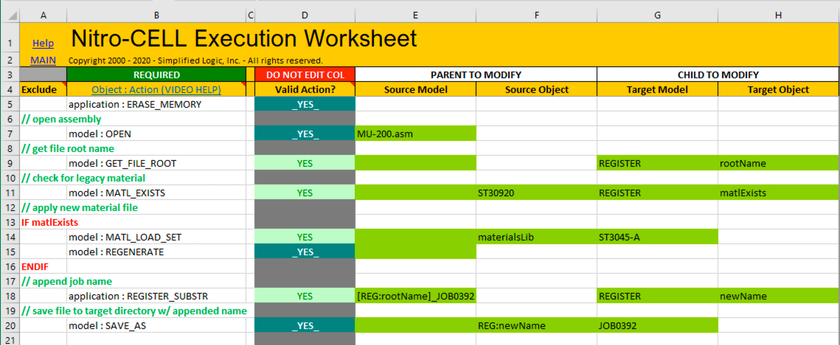
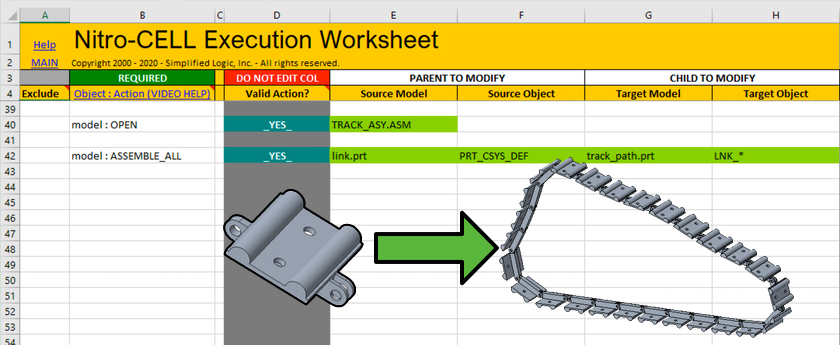
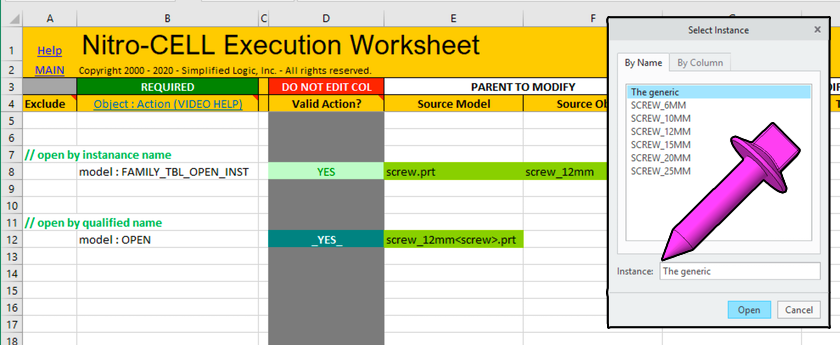
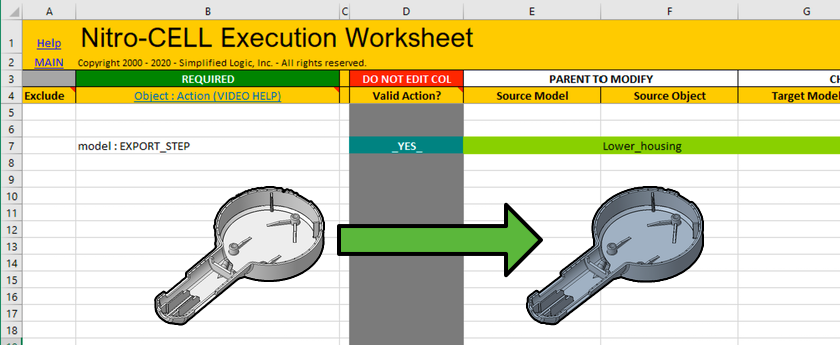
Create and modify Creo Parametric parts and assemblies directly from Microsoft Excel spreadsheets. Drive dimensions, parameters, and features automatically.
Drawing Automation
Automate Creo drawing creation and updates from Excel. Generate production-ready drawings with proper views, dimensions, and annotations.
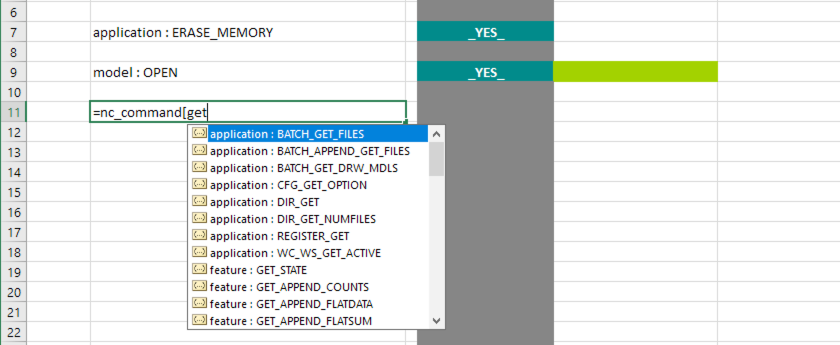
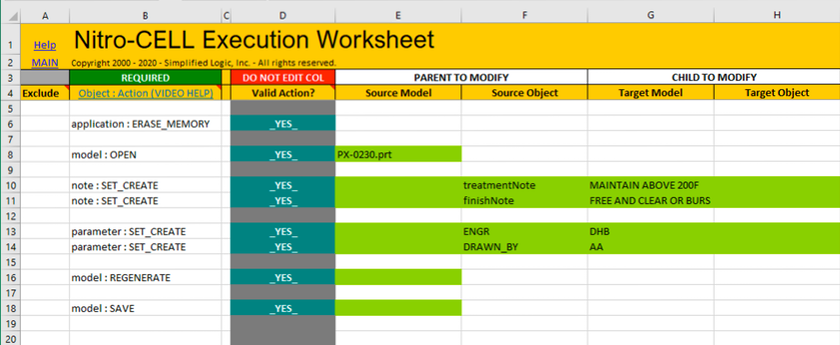
Parameter Management
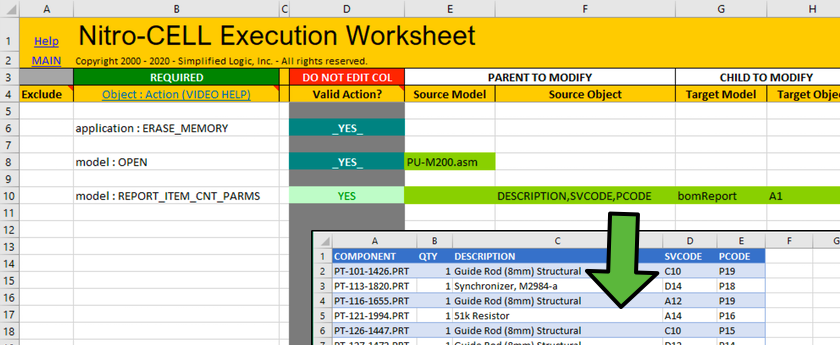
Create, modify, and manage Creo parameters from Excel. Control design intent and configuration data with familiar spreadsheet tools.
Batch Processing
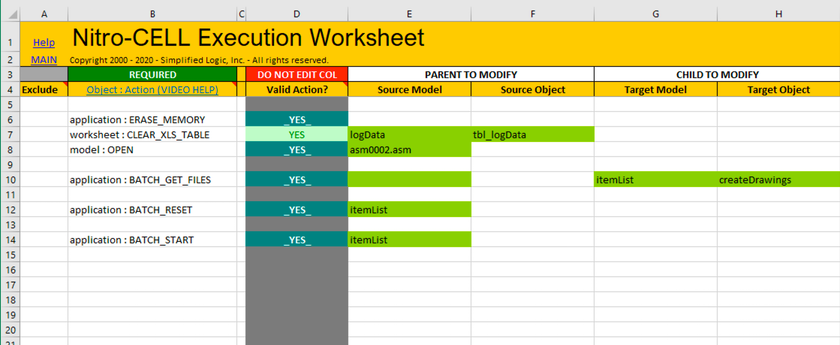
Process multiple models and drawings in batch mode. Automate repetitive design tasks across entire product families from a single Excel workbook.
Configuration Automation
Automate product configurations and variants using Excel-driven rules. Generate families of parts and assemblies from spreadsheet data.
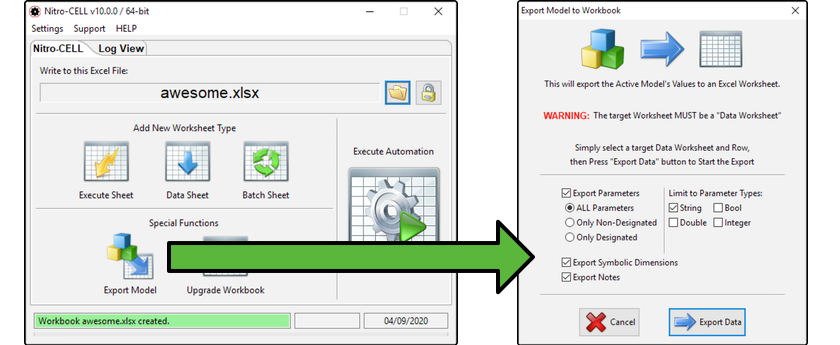
Easy Integration
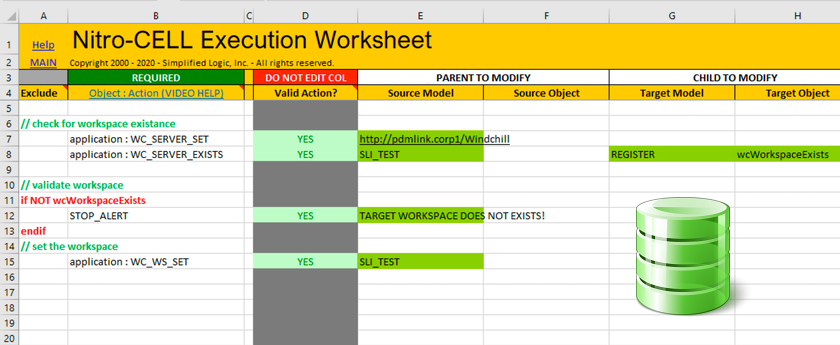
Simple setup with no server infrastructure required. Works directly with your existing Creo Parametric and Microsoft Excel installation.